

Download
Download the full or partial product feed
Check
Check the data and adapt it to the needs of your import
Import
Easily import the product feed into your own webshop
Sell
Easily add Skylux products to your webshop or website.
| Product category | Last update | Excel (.xlsx) | CSV (.csv) | Price list |
|---|---|---|---|---|
| All product feeds5403 products · all categories | Updated 09-11-2026 | DownloadExcel | DownloadCSVZIP | View price list |
| Skylights810 products | Updated 09-11-2026 | DownloadExcel | DownloadCSV | View price list |
| Flat roof windows587 products | Updated 09-11-2026 | DownloadExcel | DownloadCSV | View price list |
| Curbs1599 products | Updated 09-11-2026 | DownloadExcel | DownloadCSV | View price list |
| Roof access253 products | Updated 09-11-2026 | DownloadExcel | DownloadCSV | View price list |
| Smoke and heat exhaust (SHEV)1351 products | Updated 09-11-2026 | DownloadExcel | DownloadCSV | View price list |
| Sun protection340 products | Updated 09-11-2026 | DownloadExcel | DownloadCSV | |
| PVC frames and renovation frames323 products | Updated 09-11-2026 | DownloadExcel | DownloadCSV | |
| Fall protection grilles73 products | Updated 09-11-2026 | DownloadExcel | DownloadCSV | |
| Components and accessories67 products | Updated 09-11-2026 | DownloadExcel | DownloadCSV |
Important information
Applies to all downloads on this page:
- Prices: all prices include VAT and are intended for the end customer.
- Data status: the product feeds contain static data that is updated periodically.
- Your responsibility: you remain responsible for keeping your data on your platform up to date.
- Use: the feed is exclusively for authorised Skylux professional customers. Do not share it with third parties.
Tip: always download the latest version before publishing to avoid discrepancies.

Hive: quick and easy configuration
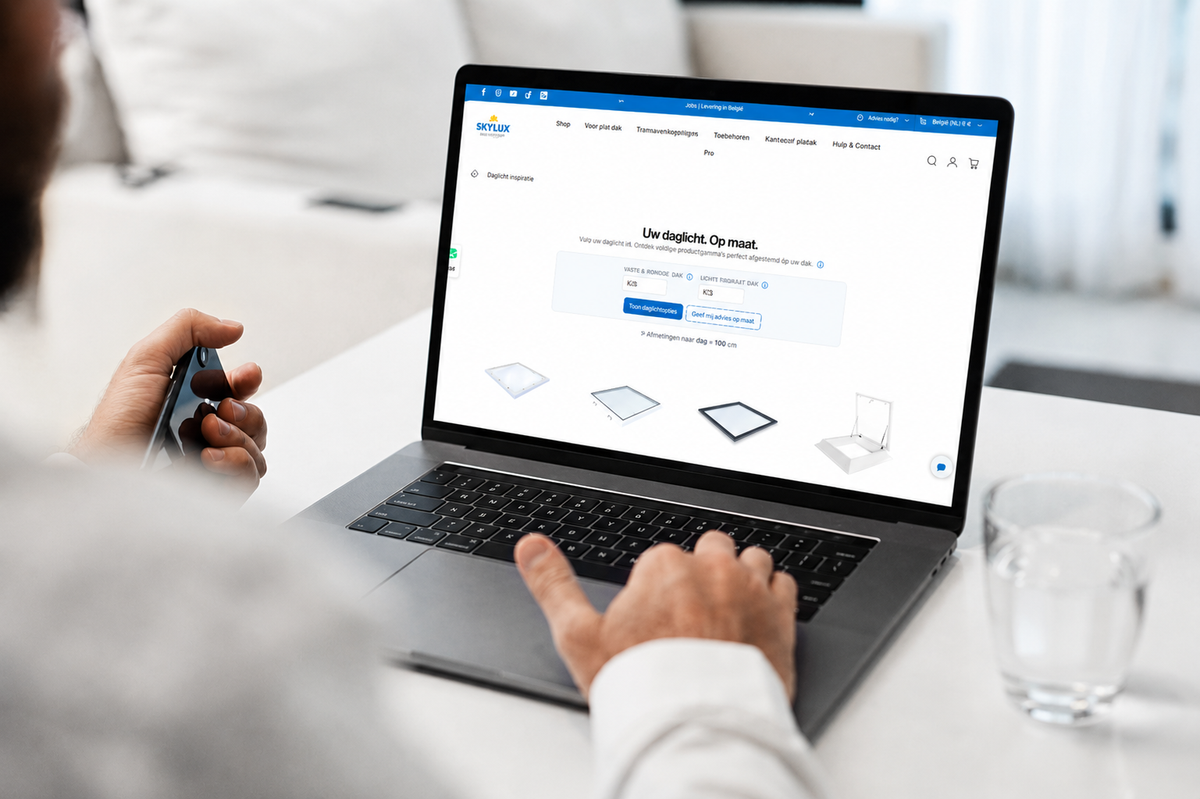
Design your Skylux solution. With the Hive configurator, you put together your ideal Skylux product in just a few steps. Choose from our full product range and adjust the specifications to the needs of your project.
Select your product category. Start by choosing the product group you want to configure, such as skylights, flat roof windows or outdoor living.
Customise to your needs. Set the dimensions, material and options that best suit your application.
Download your configuration straight away. Once you are done, you can immediately download all relevant documents, including technical data sheets and price information.

How the Hive configurator works
See how easy it is to put together your Skylux product with our Hive configurator. In this short guide, we show you how to start a configuration in a few clicks, choose the right specifications and download the related documents straight away. Follow along and take the first step today towards seamlessly integrating our products into your range.
Product feed FAQ
What data does the product feed contain?
Per product variant: product category, product name, variant, SKU, EAN, price (incl. VAT), availability, delivery time, technical specifications, description, product photos and links to the product page, the installation manual and the technical data sheet. The data is a snapshot taken on the date shown with each download.
Can I download by category or everything at once?
Both. If you work per product group, download only the categories you need. If you want everything together, choose All product feeds at the top of the table: one file with all categories on this page.
In what format is the product feed available?
Each feed is available as Excel (.xlsx) and as CSV (.csv) for easy import into your own system. The CSV of all product feeds together is large and is therefore provided as a ZIP file. You automatically get the files in the language in which you are viewing this website: Dutch, French, German or English.
Can I synchronise the product feed automatically with my website?
At the moment we only offer manual downloads. Automatic connections are possible by arrangement. Contact our customer service to make an appointment.
May I share the product feed with third parties?
No, the data is intended exclusively for internal use by authorised Skylux professional customers.